Cut out hair cleanly.
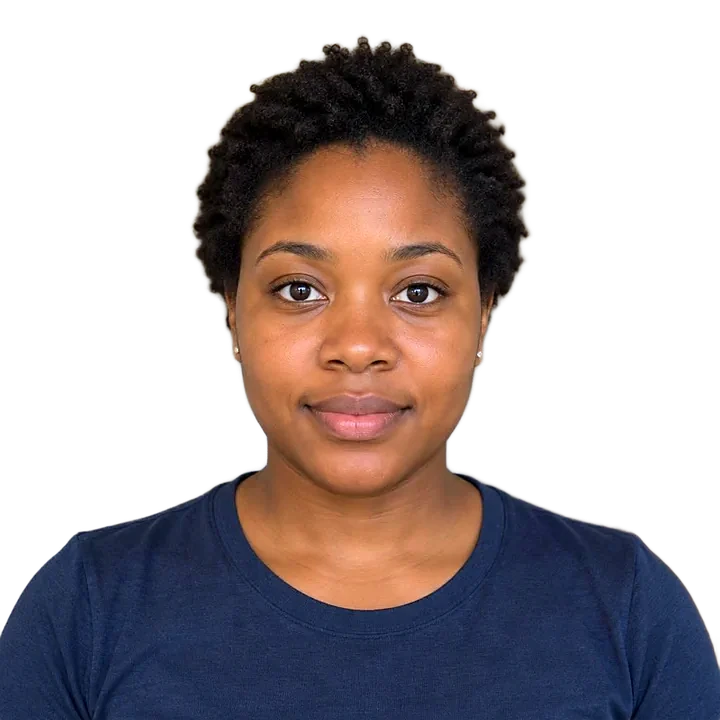
Upload a portrait. We handle the tricky edges, and you can brush in or out any strands after.
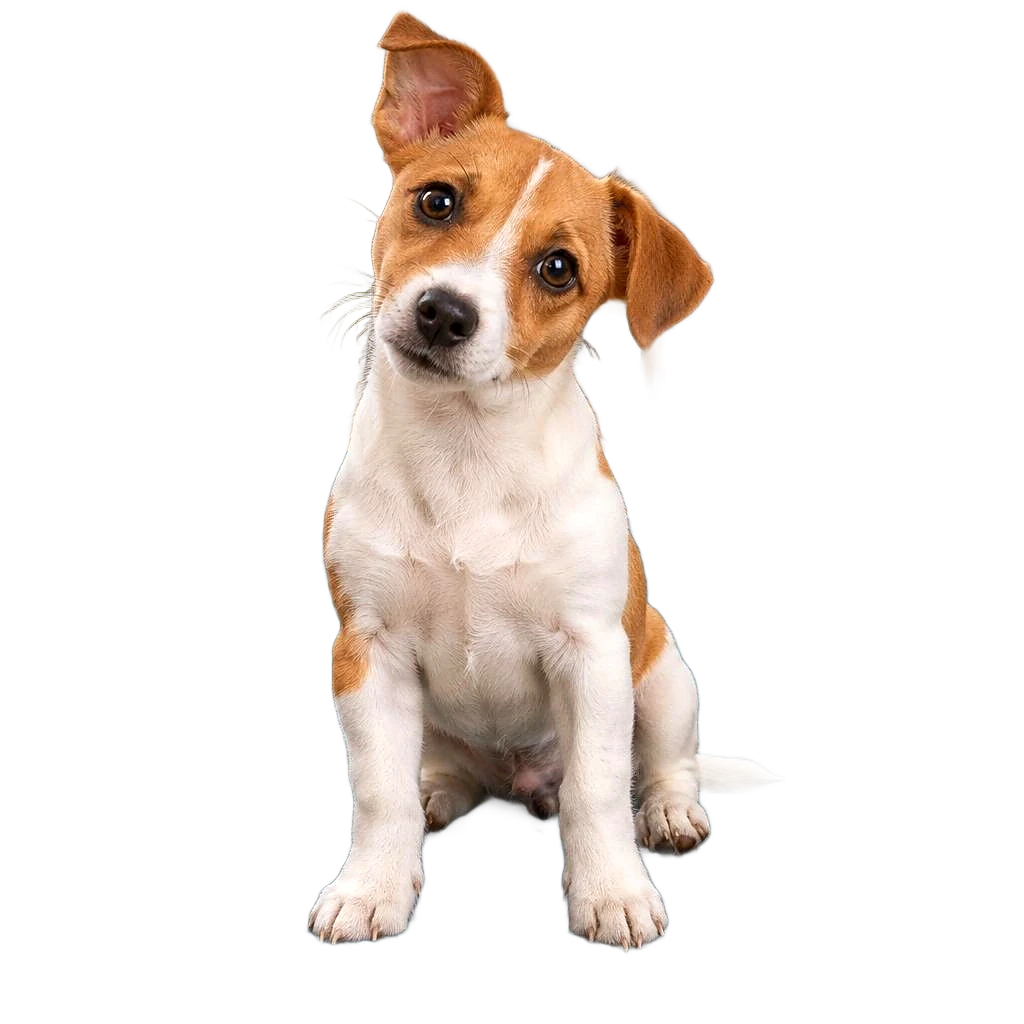
 BeforeAfter
- Free forever
- Never uploaded
- No sign-up
How it works
- 01
Add a portrait
A photo against a plain, contrasting background works best.
- 02
The AI cuts it out
Hair edges are softened so they blend naturally.
- 03
Touch up and download
Brush back any lost strands, then save your PNG.
Great for
- Headshots
- Posters
- Album covers
- Social posts
Tips for the best photo
Do
- Contrast between hair and background helps most.
- Tie back flyaway hair if you can.
- Avoid busy backgrounds behind curls.
Avoid
Free and private, for real
Your photo never leaves your device. No sign-up, no watermark, no limits.
Common questions
Is it really free?
Yes. There's no sign-up, no watermark and no daily limit. The work happens on your own device, so it costs us nothing per photo.
Is my photo uploaded anywhere?
No. Your photo stays on your phone or computer the whole time. Nothing is sent to a server or saved by us.
Can it do curly hair?
Yes, but very fine flyaways may soften. Use Touch up to keep or remove patches.
Does it work on my phone?
Yes, in any modern browser. The first time takes a little longer while the AI downloads. Older phones can be slower, so give it a minute.
More free tools
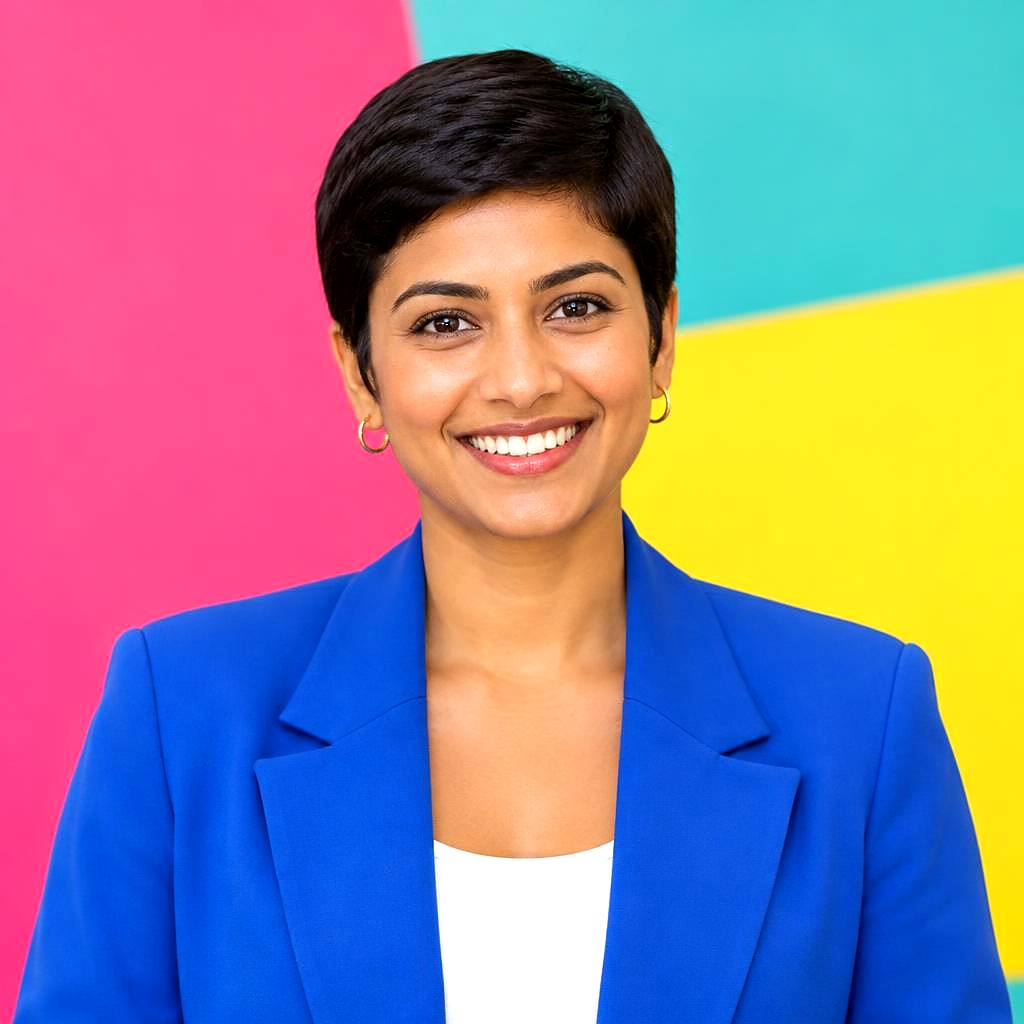
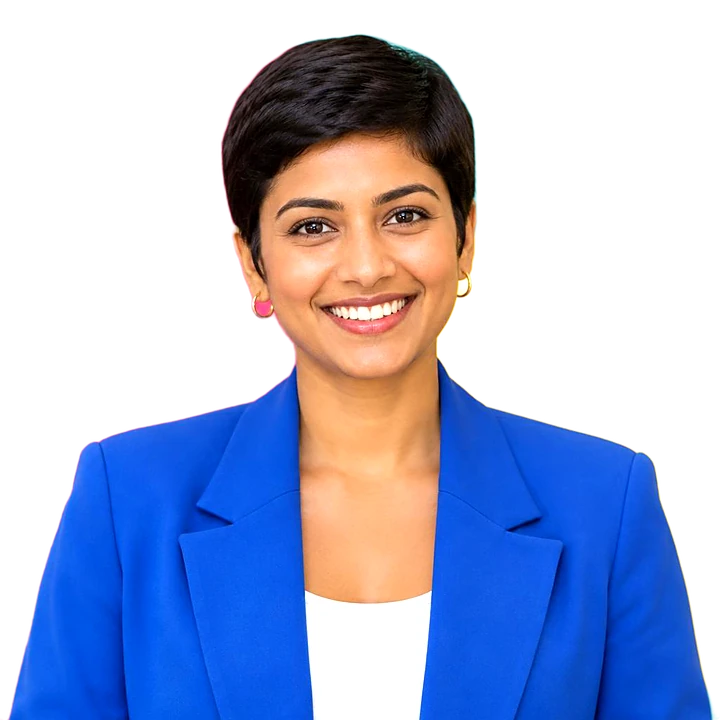
Headshots on a solid colour, circle or square.
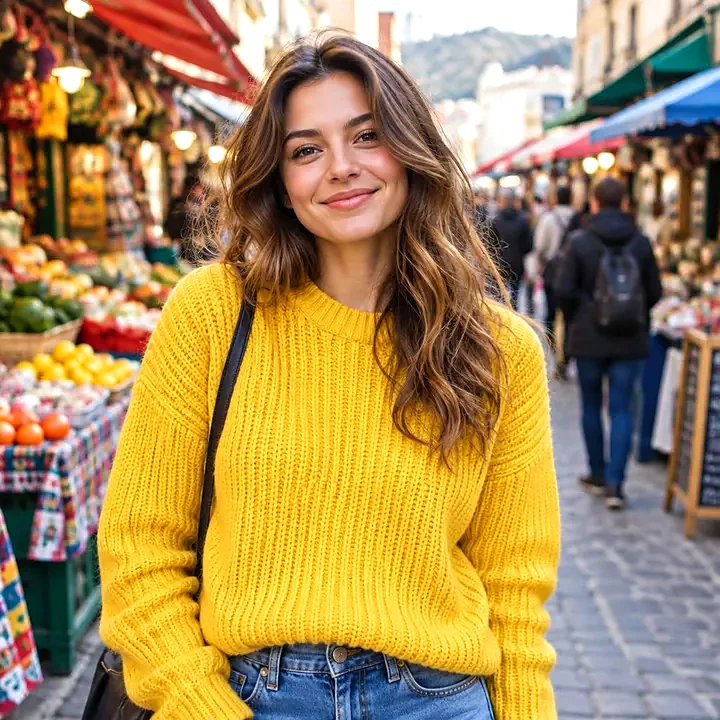
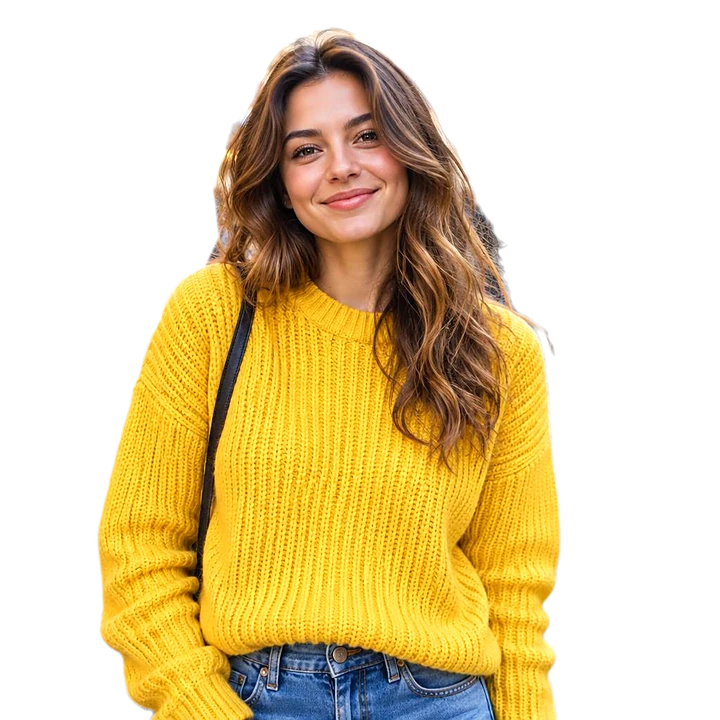
Put your photo on a solid colour.
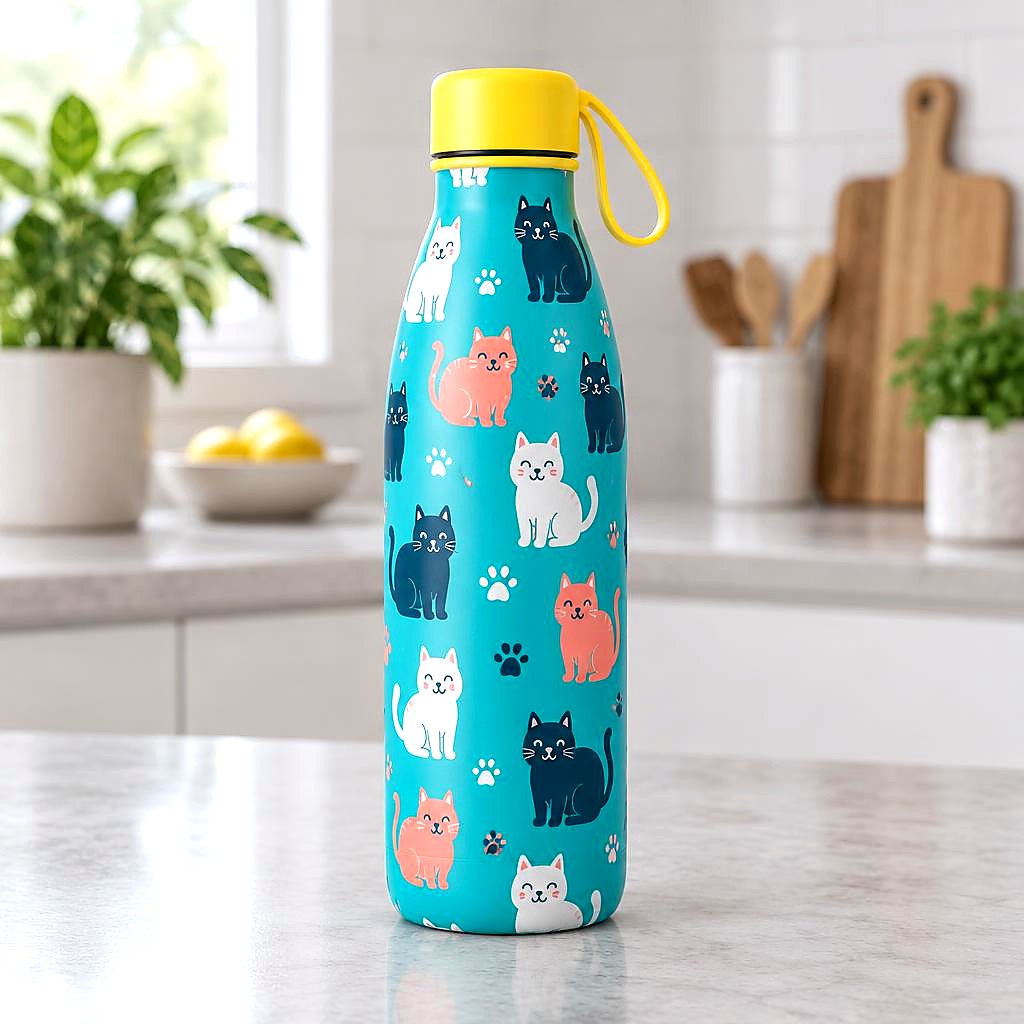
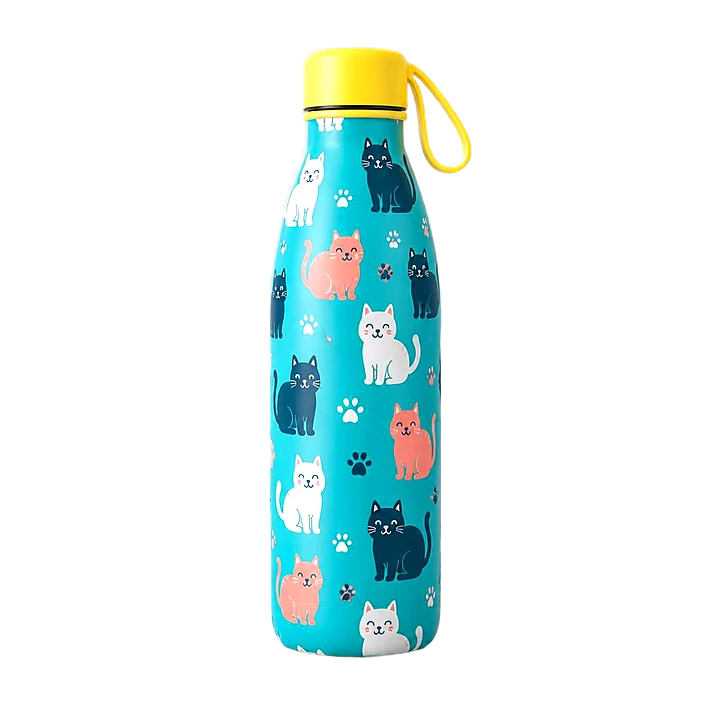
White backgrounds and marketplace sizes, several at once.
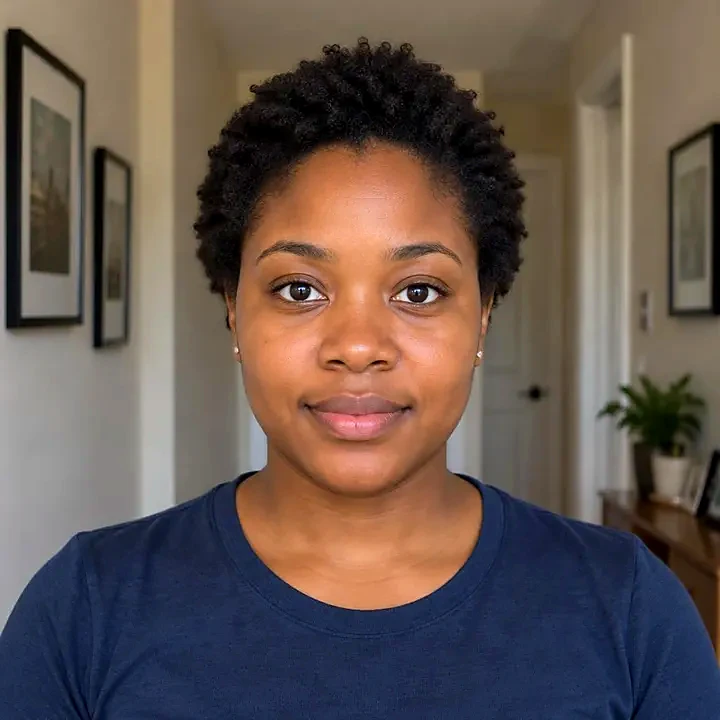
Official sizes with a printable sheet.
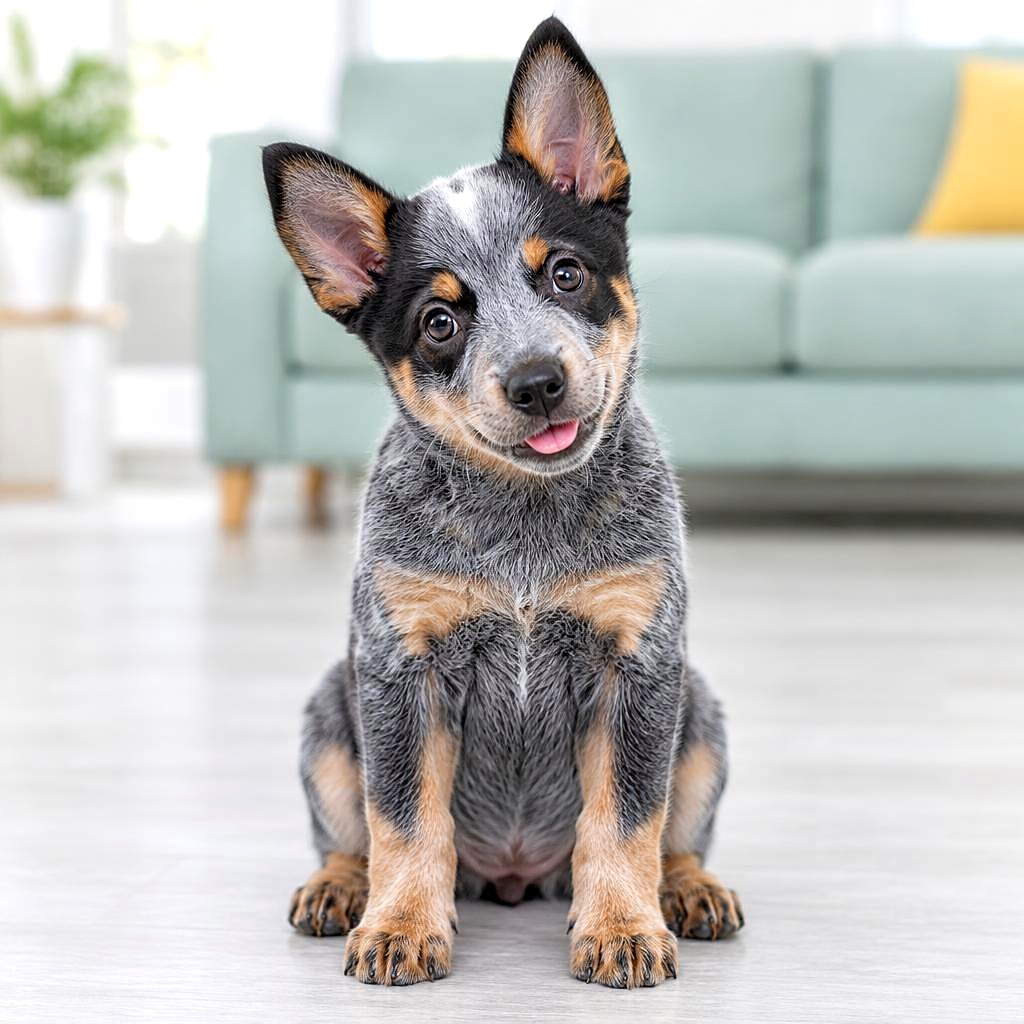
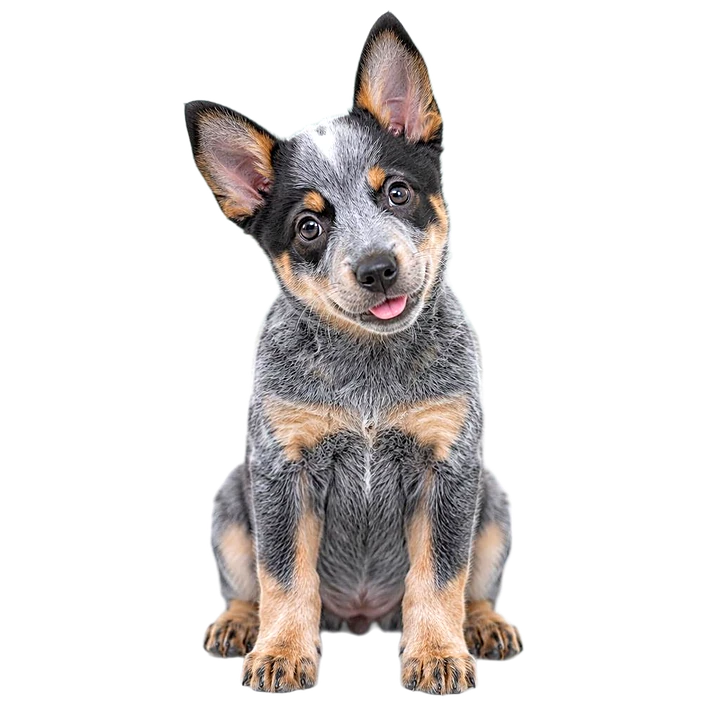
Cut-outs with an outline for WhatsApp and Telegram.
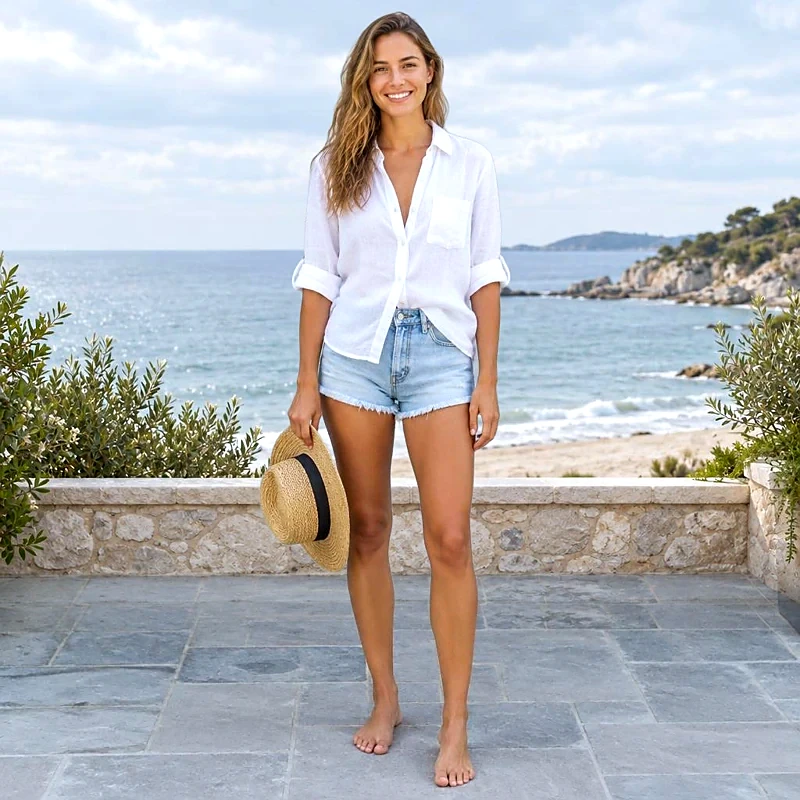
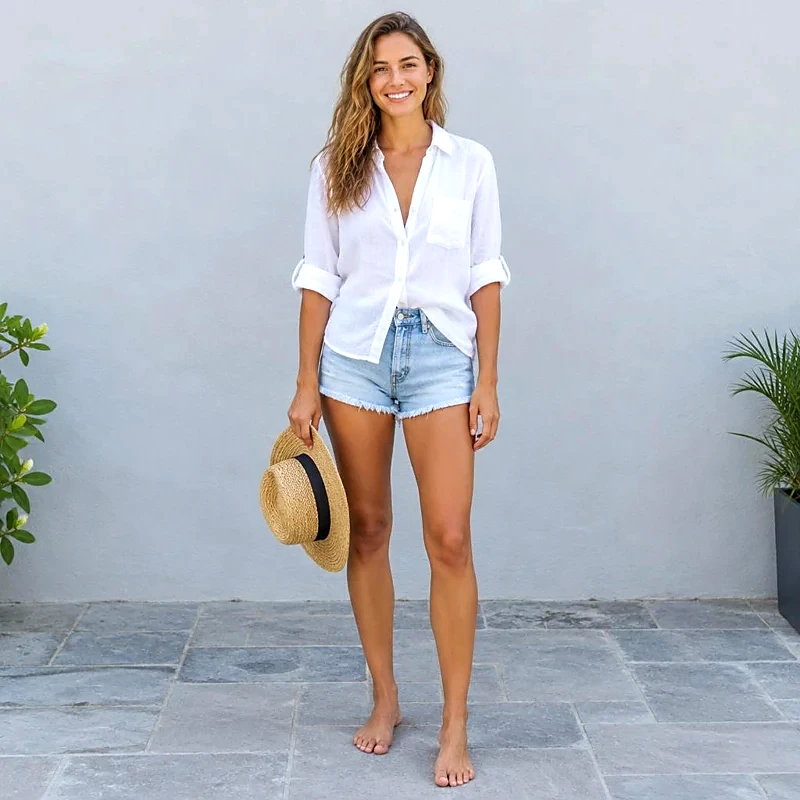
Place your cut-out on another photo.
Clear the background behind logos and signatures.