Transparent logos & signatures.
Best for flat graphics, logos and handwriting on plain paper. It works instantly, with no AI download.
Best with dark ink or a logo on plain, even paper or colour.
- Dark ink on white paper
- Flat, no shadows
- Photos of people
- Patterned or creased paper

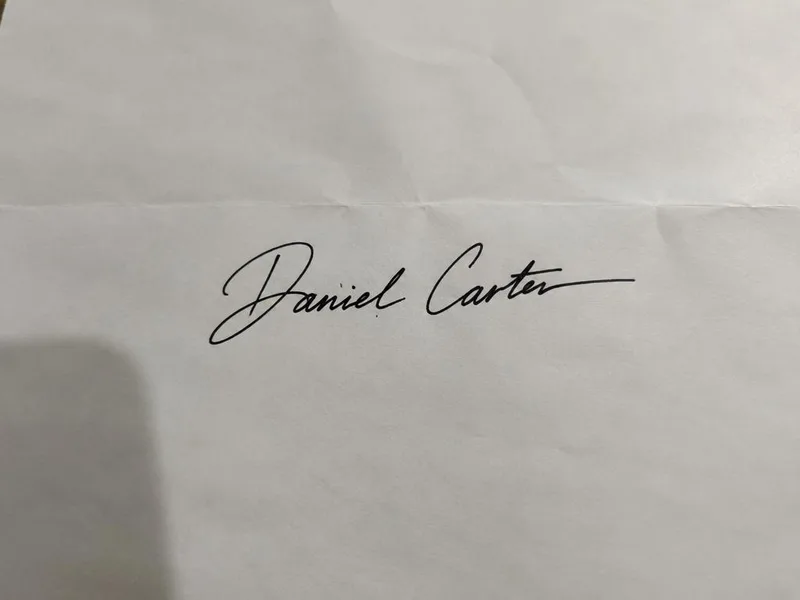 BeforeAfter
- Free foreverNo watermark, no limits
- Never uploadedYour photo stays on your device
- No sign-upJust open and use
Three steps
How it works
- 1
Add a picture of your logo or signature.
- 2
Adjust the slider until only the background disappears.
- 3
Download a see-through PNG.
Made for
Great for
- Signing PDFs and contracts
- Logos for websites and slides
- Company stamps
- Email signatures
Better results
Tips for the best photo
Do
- Dark ink on white paper
- Flat, no shadows
- Sign in dark ink on plain white paper.
- Photograph flat, in good light, with no shadow.
- Raise the slider if specks of paper remain.
Avoid
- Photos of people
- Patterned or creased paper
Free and private, for real
Your photo never leaves your device. No sign-up, no watermark, no limits.
Good to know
Common questions
Is it really free?
Yes. There's no sign-up, no watermark and no daily limit. The work happens on your own device, so it costs us nothing per photo.
Is my photo uploaded anywhere?
No. Your photo stays on your phone or computer the whole time. Nothing is sent to a server or saved by us.
Why is it so fast?
Logos and signatures are simple shapes, so this tool skips the AI and just removes the background colour.
Does it work on photos of people?
Not well. For people, pets or products, use Remove background instead.
Same idea, free and private
More free tools


Transparent PNG of any photo.


Put your photo on a solid colour.


White backgrounds and marketplace sizes, several at once.


Official sizes with a printable sheet.


Headshots on a solid colour, circle or square.


Cut-outs with an outline for WhatsApp and Telegram.


Place your cut-out on another photo.