Passport & ID photos, done at home.
Upload a well-lit photo facing the camera. We replace the background and size it for your passport, visa or ID card.
Best with one face, front-on, head and shoulders.
- Face the camera
- Plain wall behind you
- No shadows on your face
- Side views
- Sunglasses or hats
- Other people in the photo
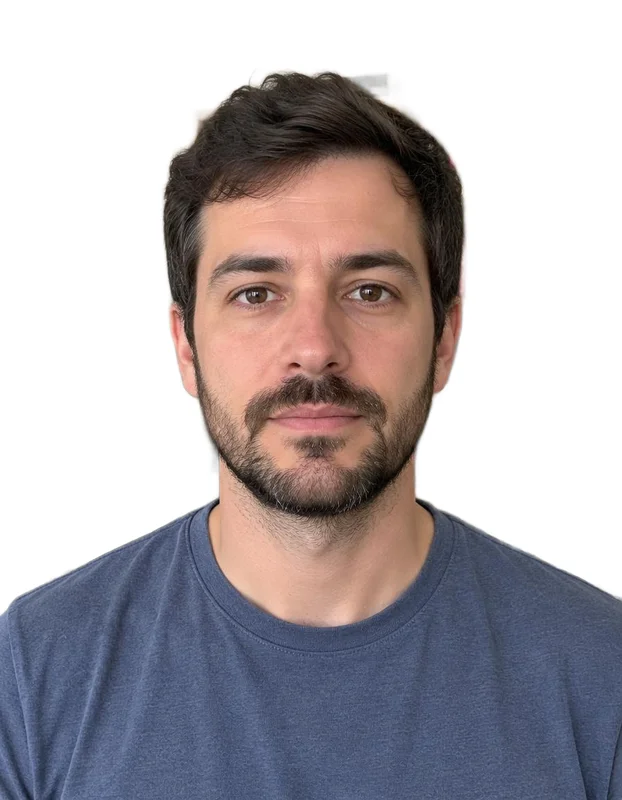
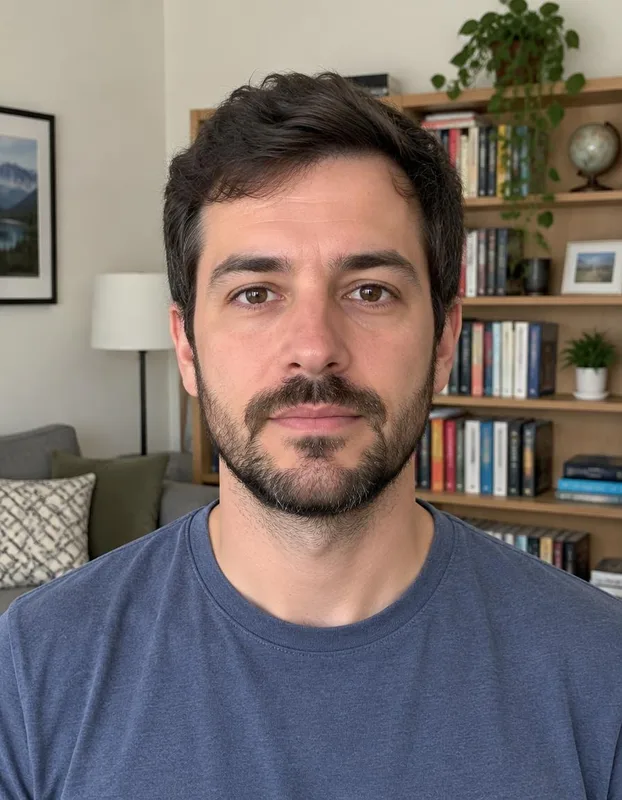 BeforeAfter
- Free foreverNo watermark, no limits
- Never uploadedYour photo stays on your device
- No sign-upJust open and use
Three steps
How it works
- 1
Add a photo facing the camera.
- 2
Choose your country and line up your head.
- 3
Download the photo or a print-ready sheet.
Made for
Great for
- Passport renewals
- Visa applications
- Driving licences and ID cards
- Student and work badges
Better results
Tips for the best photo
Do
- Face the camera
- Plain wall behind you
- No shadows on your face
- Stand in even light with no shadows on your face.
- Look straight at the camera with a neutral face.
- Remove glasses if your country asks for it.
- Always check your country's official photo rules.
Avoid
- Side views
- Sunglasses or hats
- Other people in the photo
Free and private, for real
Your photo never leaves your device. No sign-up, no watermark, no limits.
Good to know
Common questions
Is it really free?
Yes. There's no sign-up, no watermark and no daily limit. The work happens on your own device, so it costs us nothing per photo.
Is my photo uploaded anywhere?
No. Your photo stays on your phone or computer the whole time. Nothing is sent to a server or saved by us.
Which sizes are included?
USA (2 × 2 in), UK, EU and Australia (35 × 45 mm), Canada (50 × 70 mm) and China (33 × 48 mm).
How do I print it?
Download the print sheet and print it at 6 × 4 in (10 × 15 cm) at a photo shop or at home. Don't let the printer resize it.
Same idea, free and private
More free tools


Headshots on a solid colour, circle or square.

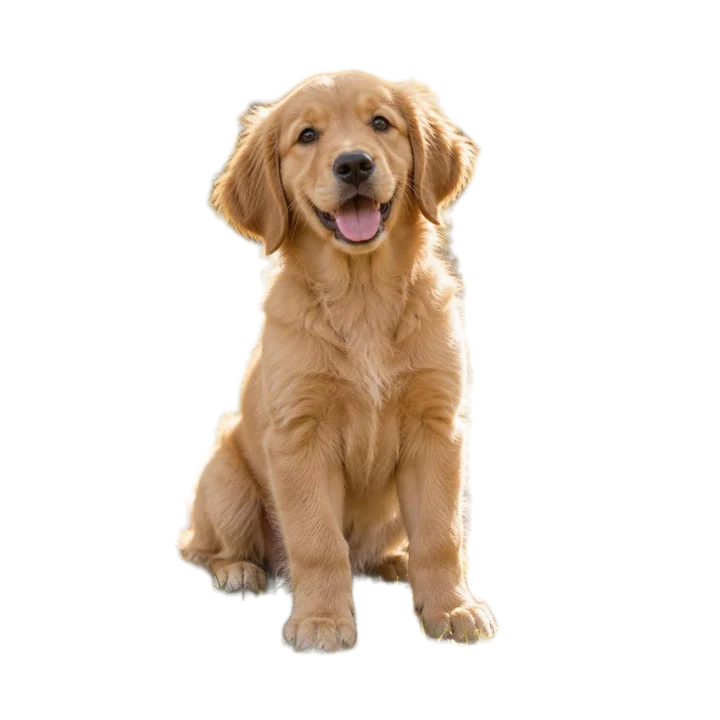
Transparent PNG of any photo.
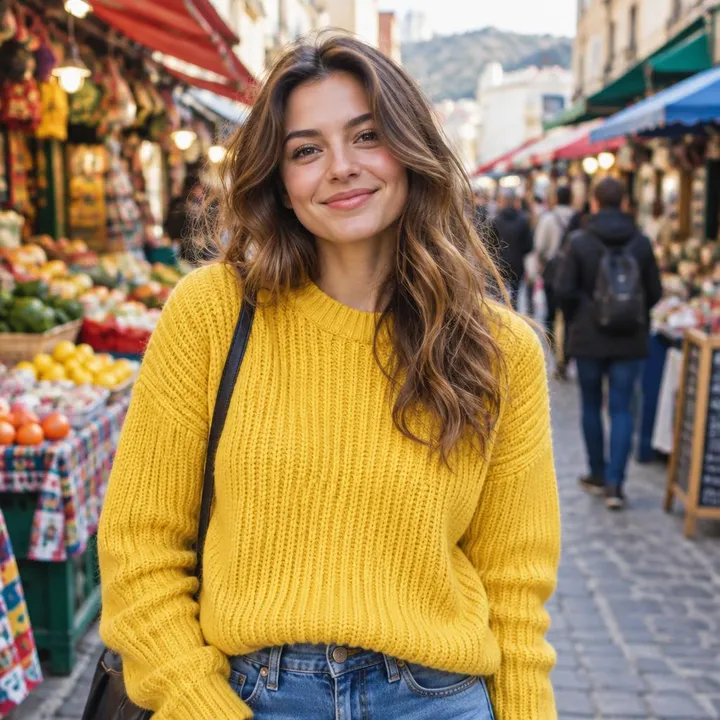

Put your photo on a solid colour.


White backgrounds and marketplace sizes, several at once.


Cut-outs with an outline for WhatsApp and Telegram.


Place your cut-out on another photo.


Clear the background behind logos and signatures.