A sharp profile picture in seconds.
Upload a headshot. We replace the background with a solid colour and frame it for LinkedIn, CVs, Slack or team pages.
Best with one head-and-shoulders photo.
- Head and shoulders
- Soft window light
- Full-body or far-away shots
- Group photos

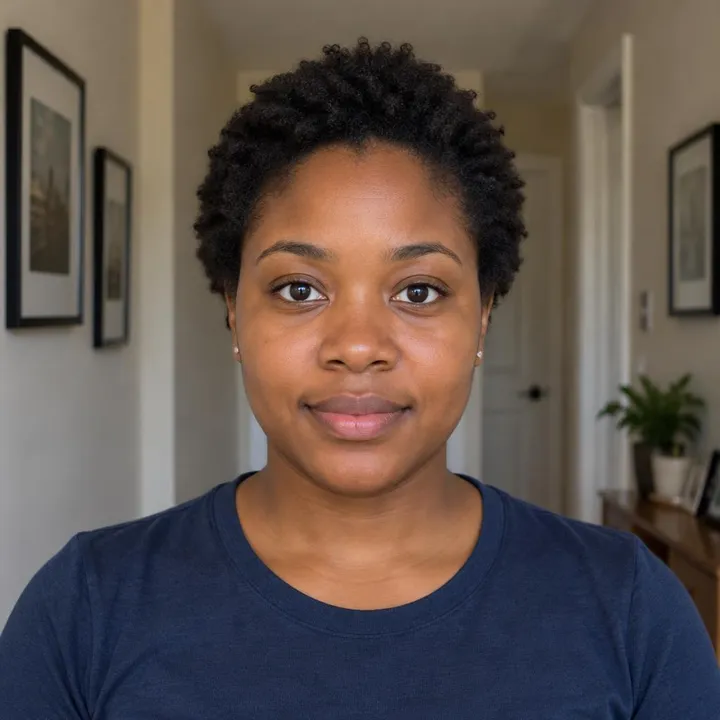
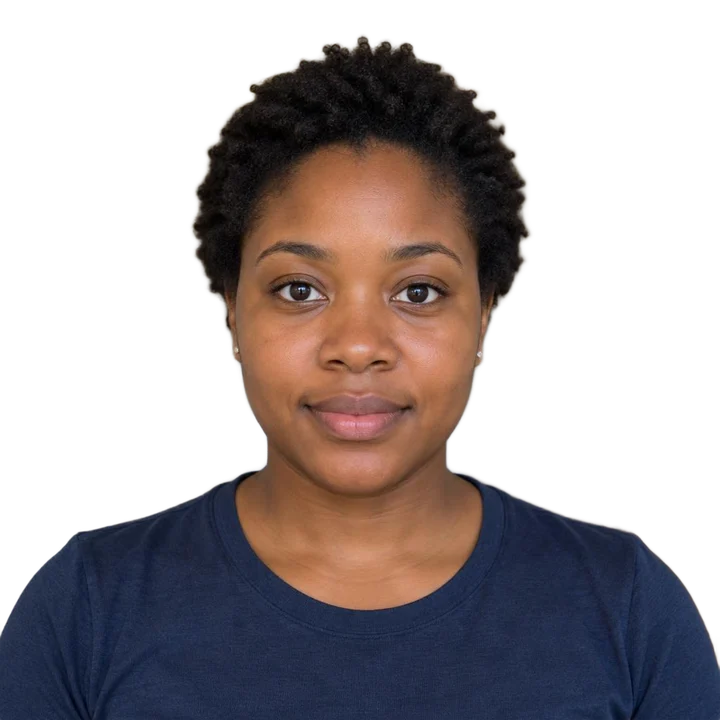
 BeforeAfter
- Free foreverNo watermark, no limits
- Never uploadedYour photo stays on your device
- No sign-upJust open and use
Three steps
How it works
- 1
Add a headshot.
- 2
Pick a colour, a circle or square, and the zoom.
- 3
Download a 1000 × 1000 picture.
Made for
Great for
- LinkedIn and job sites
- CVs and résumés
- Slack, Teams and email
- Company team pages
- Speaker and author bios
Better results
Tips for the best photo
Do
- Head and shoulders
- Soft window light
- Face a window for soft, even light.
- Leave some space above your head.
- Use one colour for the whole team for a matching look.
Avoid
- Full-body or far-away shots
- Group photos
Free and private, for real
Your photo never leaves your device. No sign-up, no watermark, no limits.
Good to know
Common questions
Is it really free?
Yes. There's no sign-up, no watermark and no daily limit. The work happens on your own device, so it costs us nothing per photo.
Is my photo uploaded anywhere?
No. Your photo stays on your phone or computer the whole time. Nothing is sent to a server or saved by us.
What size is the picture?
1000 × 1000 pixels, which looks sharp on every major site.
Does it work on my phone?
Yes, in any modern browser. The first time takes a little longer while the AI downloads. Older phones can be slower, so give it a minute.
Same idea, free and private
More free tools
Official sizes with a printable sheet.


Transparent PNG of any photo.
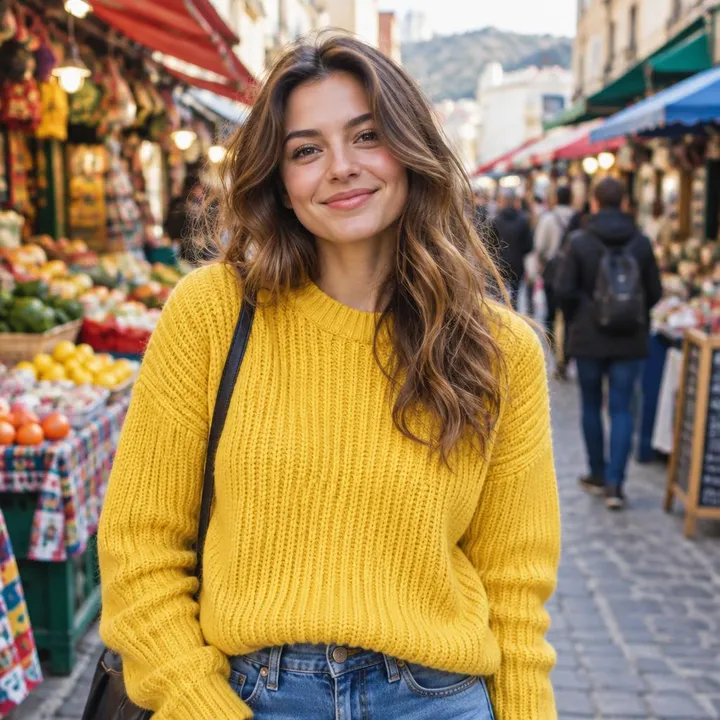

Put your photo on a solid colour.


White backgrounds and marketplace sizes, several at once.


Cut-outs with an outline for WhatsApp and Telegram.


Place your cut-out on another photo.


Clear the background behind logos and signatures.