A clean LinkedIn photo in seconds.
Upload a headshot. We swap the background for a calm grey and frame it for LinkedIn's circle.

 BeforeAfter
- Free forever
- Never uploaded
- No sign-up
How it works
- 01
Add a headshot
Any photo where your face is clear works, even a selfie.
- 02
We clean up the background
Your background becomes a calm grey, framed to fit LinkedIn's circle.
- 03
Download and upload
Save it and add it to LinkedIn, your CV or work chat.
Great for
- Job hunting
- New roles
- Work chat and email
- Conference profiles
Tips for the best photo
Do
- Look at the camera and smile a little.
- Face a window for soft light.
- Crop from the chest up.
Avoid
Free and private, for real
Your photo never leaves your device. No sign-up, no watermark, no limits.
Common questions
Is it really free?
Yes. There's no sign-up, no watermark and no daily limit. The work happens on your own device, so it costs us nothing per photo.
Is my photo uploaded anywhere?
No. Your photo stays on your phone or computer the whole time. Nothing is sent to a server or saved by us.
Which colour works best?
Soft grey, navy or light blue look professional. You can pick any colour.
Does it work on my phone?
Yes, in any modern browser. The first time takes a little longer while the AI downloads. Older phones can be slower, so give it a minute.
More free tools


Transparent PNG of any photo.
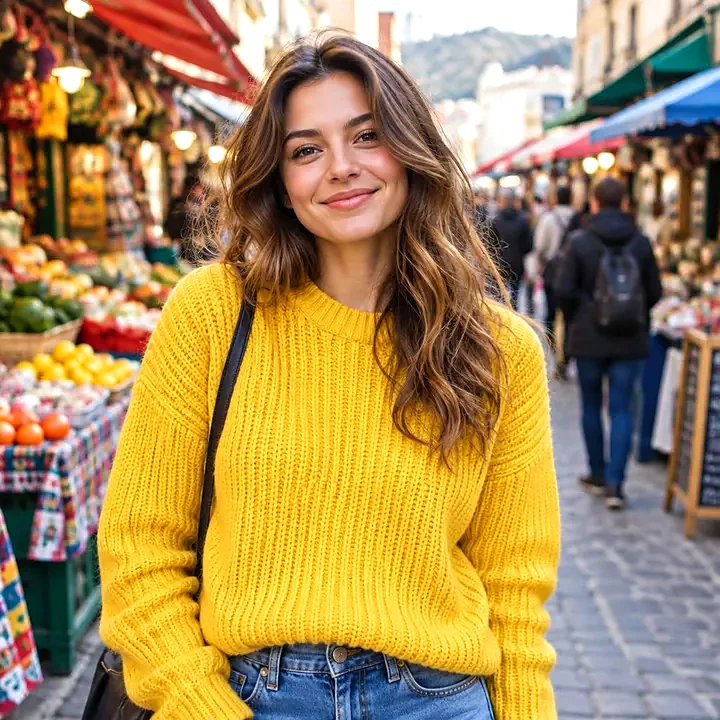

Put your photo on a solid colour.

White backgrounds and marketplace sizes, several at once.
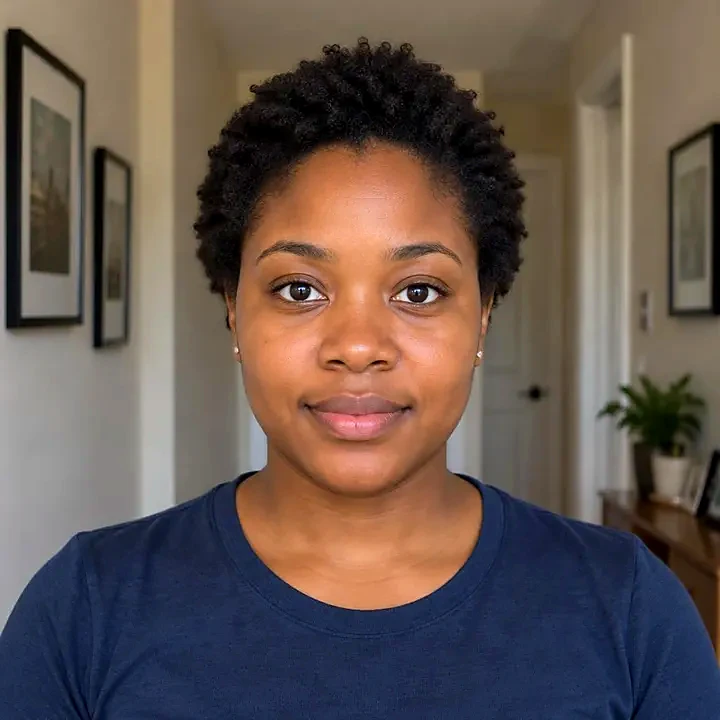

Official sizes with a printable sheet.


Cut-outs with an outline for WhatsApp and Telegram.
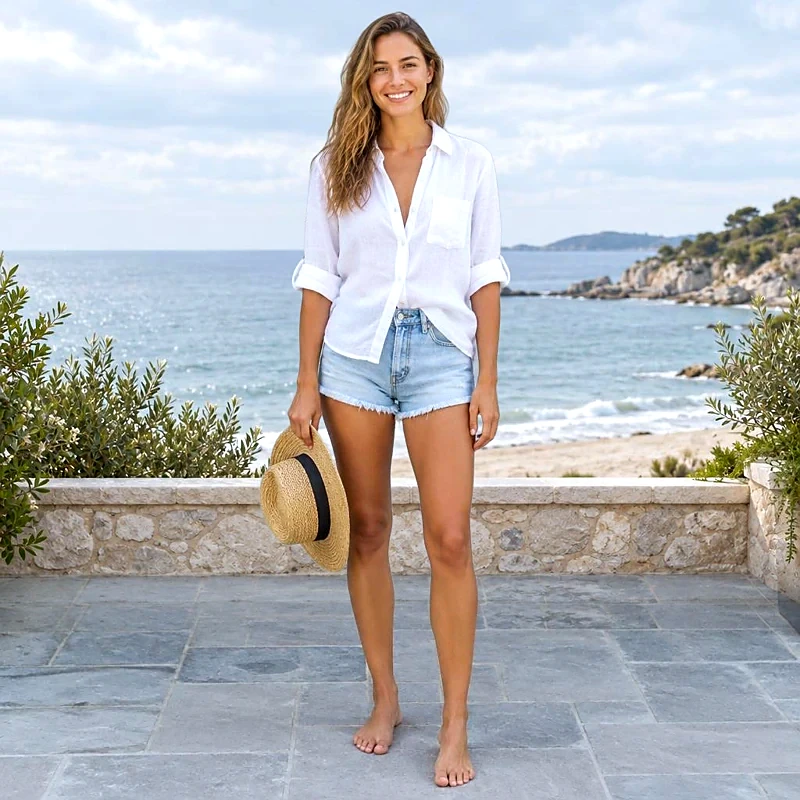
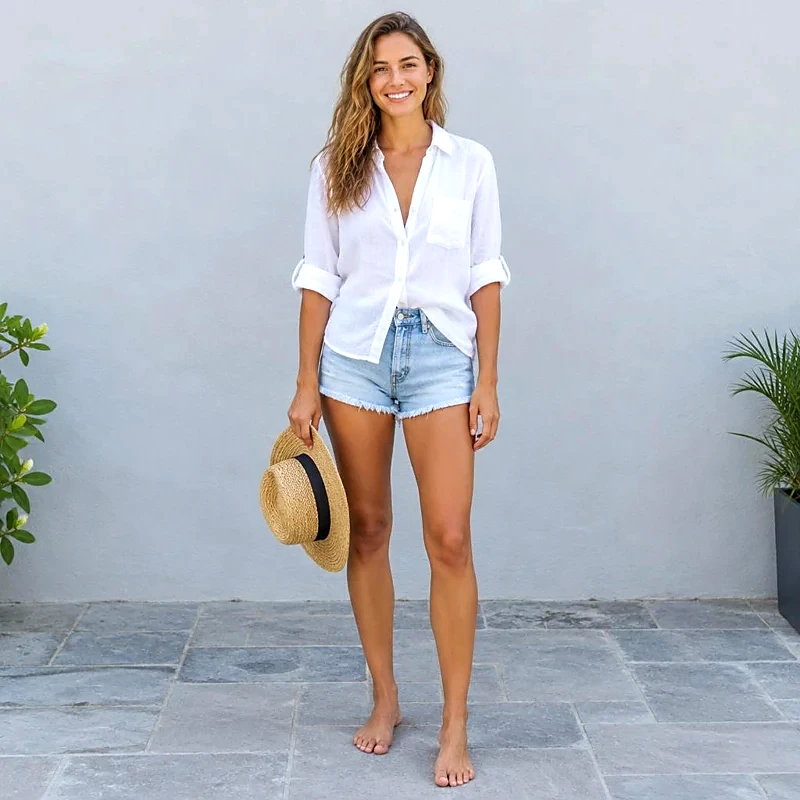
Place your cut-out on another photo.
Clear the background behind logos and signatures.