Passport photos on a 4 × 6 sheet.
Make one photo and get several copies laid out on a standard 4 × 6 in print. Print it anywhere for a few cents.
Adjust example crop
Zoom: 100%
Horizontal position
Vertical position
413 × 531 px · 300 dpi. Check your document’s official photo requirements.
- Free forever
- Never uploaded
- No sign-up
How it works
 01
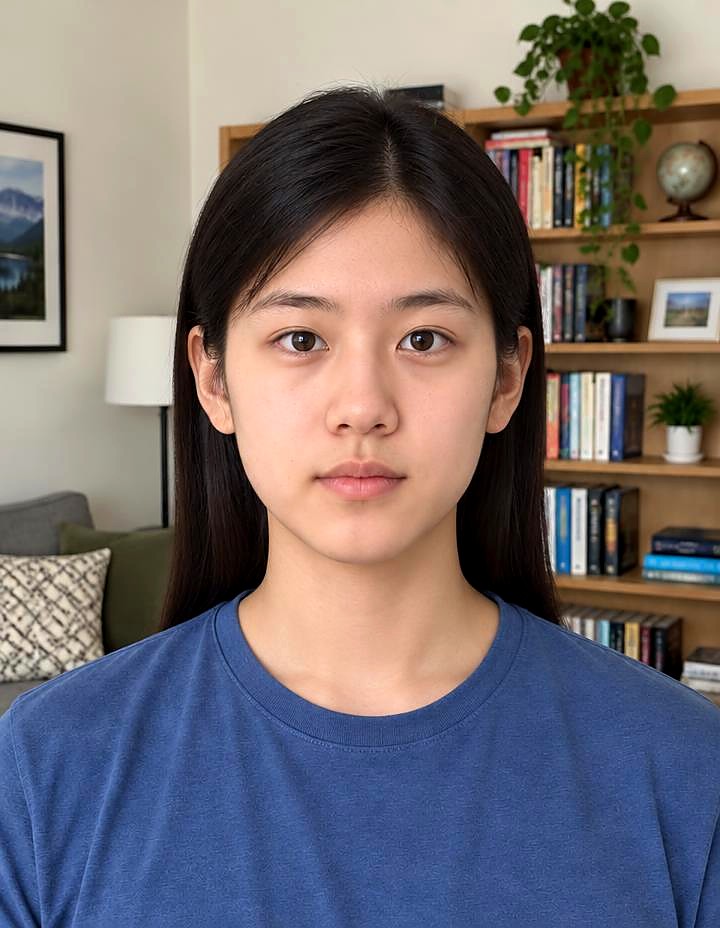
Take a photo
Face the camera in even light.
 02
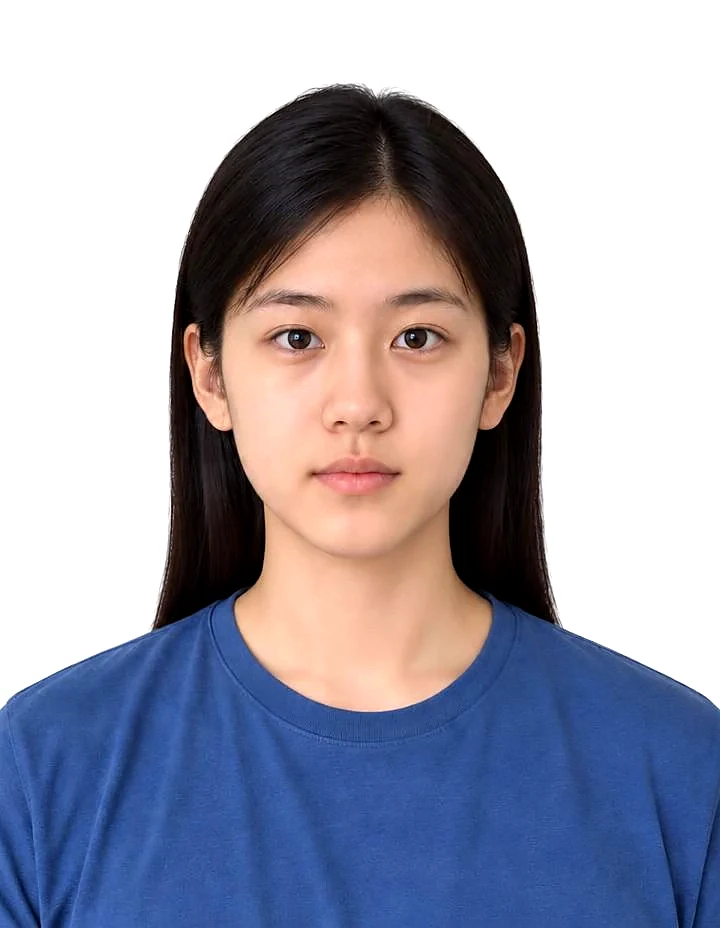
Pick your size
Choose your country's size.
- 03
Print the sheet
Print as a normal 4 × 6 photo, then cut along the lines.
Great for
- Saving money
- Families
- Multiple applications
- Spare copies
Tips for the best photo
Do
- Print at 'actual size' with no cropping or borders.
Avoid
Free and private, for real
Your photo never leaves your device. No sign-up, no watermark, no limits.
Common questions
Is it really free?
Yes. There's no sign-up, no watermark and no daily limit. The work happens on your own device, so it costs us nothing per photo.
Is my photo uploaded anywhere?
No. Your photo stays on your phone or computer the whole time. Nothing is sent to a server or saved by us.
Where can I print it?
Any pharmacy, supermarket kiosk or online photo printer that does 4 × 6 prints.
Does it work on my phone?
Yes, in any modern browser. The first time takes a little longer while the AI downloads. Older phones can be slower, so give it a minute.
More free tools


Transparent PNG of any photo.


Put your photo on a solid colour.
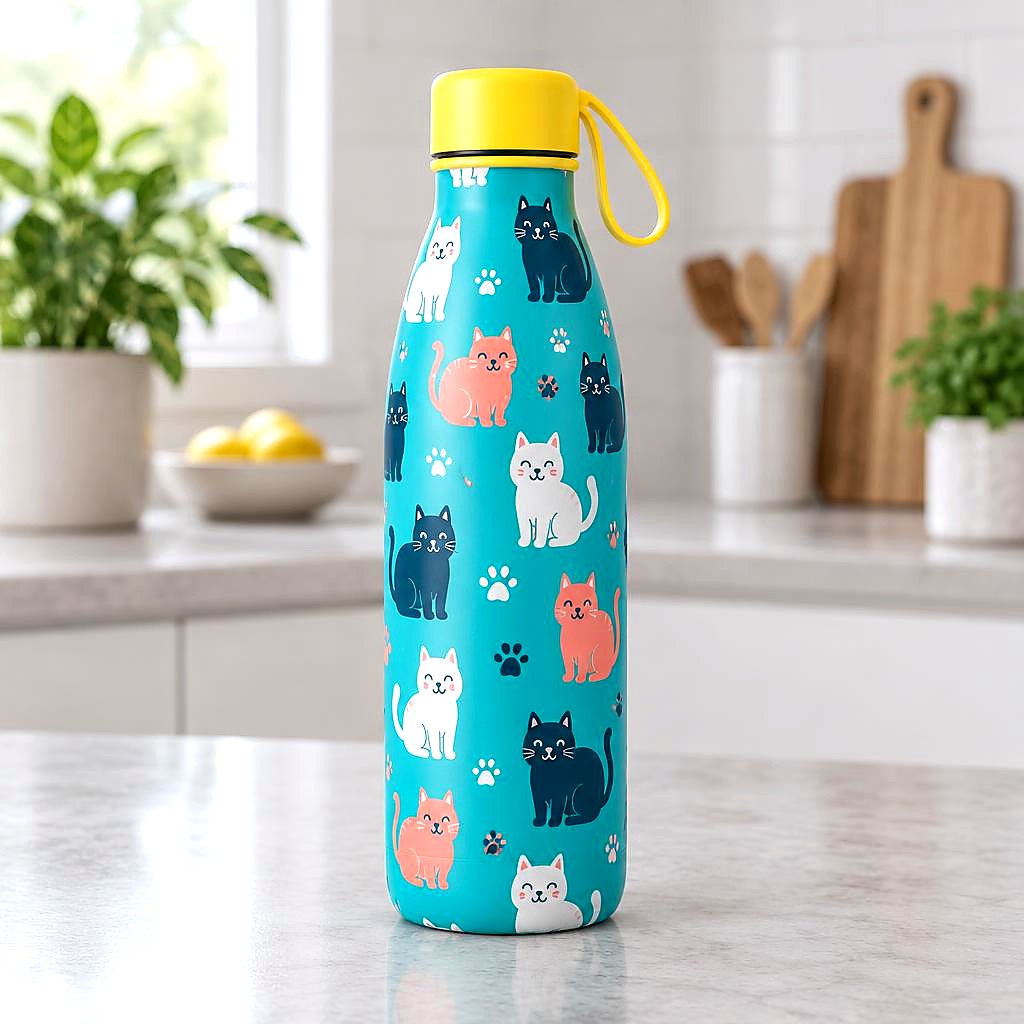
White backgrounds and marketplace sizes, several at once.


Headshots on a solid colour, circle or square.

Cut-outs with an outline for WhatsApp and Telegram.
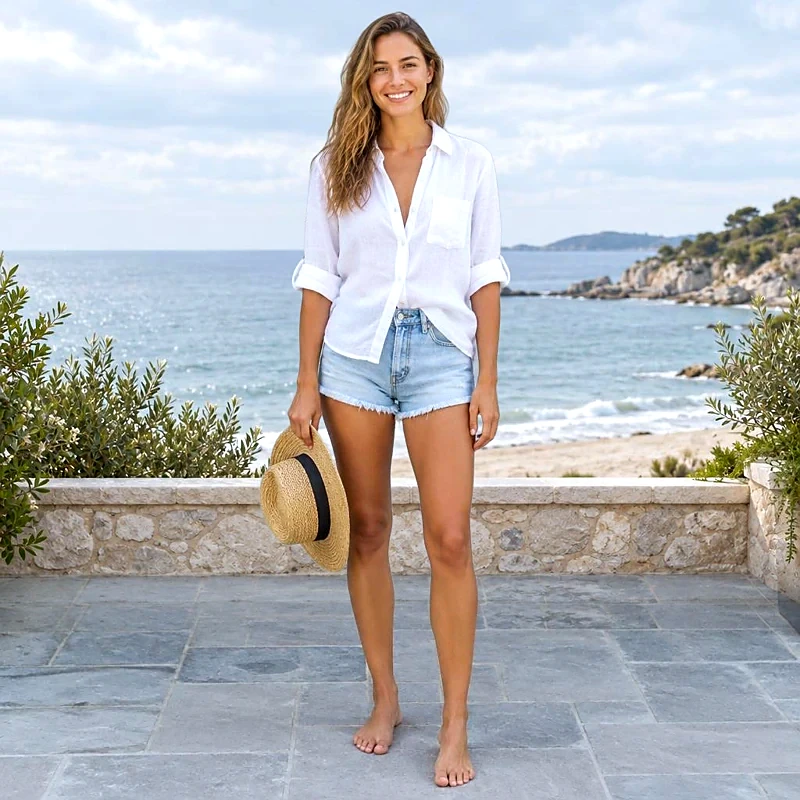
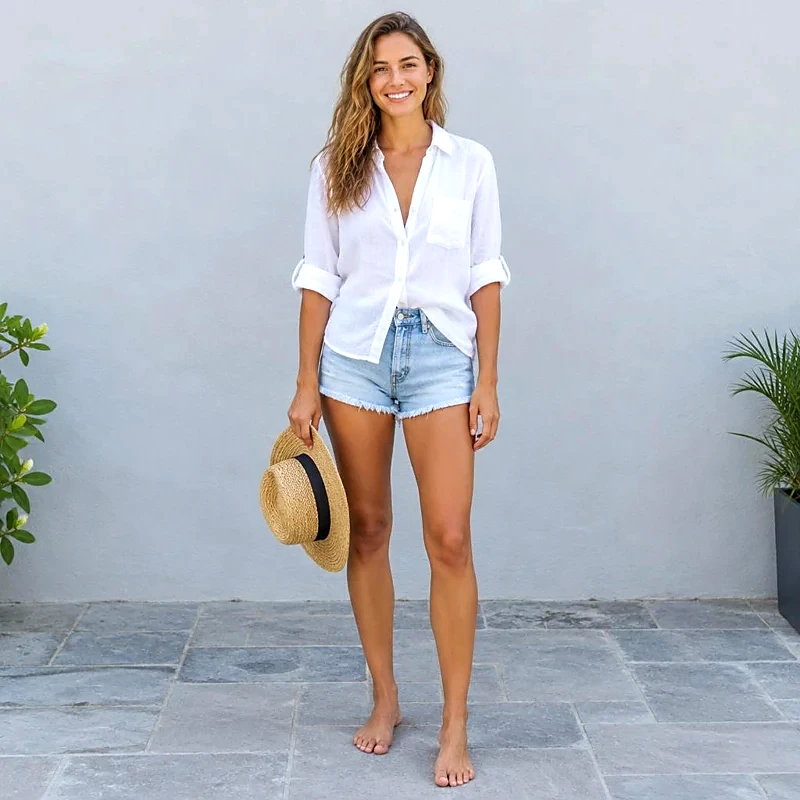
Place your cut-out on another photo.
Clear the background behind logos and signatures.